Searches without signal
The whole Swiss timetable rides along on your device. A tunnel changes nothing.
Public transport in Switzerland
From here to there. That is the whole feature list.
The whole Swiss timetable on your device. It answers in a tunnel — and knows the tricks that get you there a train earlier.
No account. No cookies. Nothing here for you to accept.
Timetable right here, right now
Runs on Browser · Android · Wear OS · Linux · macOS · Windows · AI assistants · Pebble
Enough to get you to the platform, and little else. Everything here works today.
The whole Swiss timetable rides along on your device. A tunnel changes nothing.
Tell the app how quickly you move and it offers the tighter connections — often a train earlier.
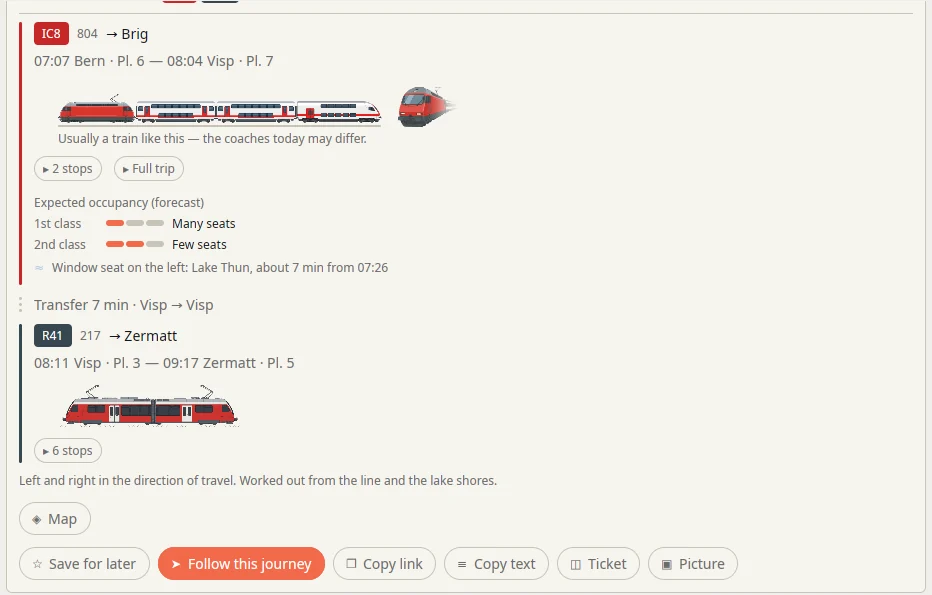
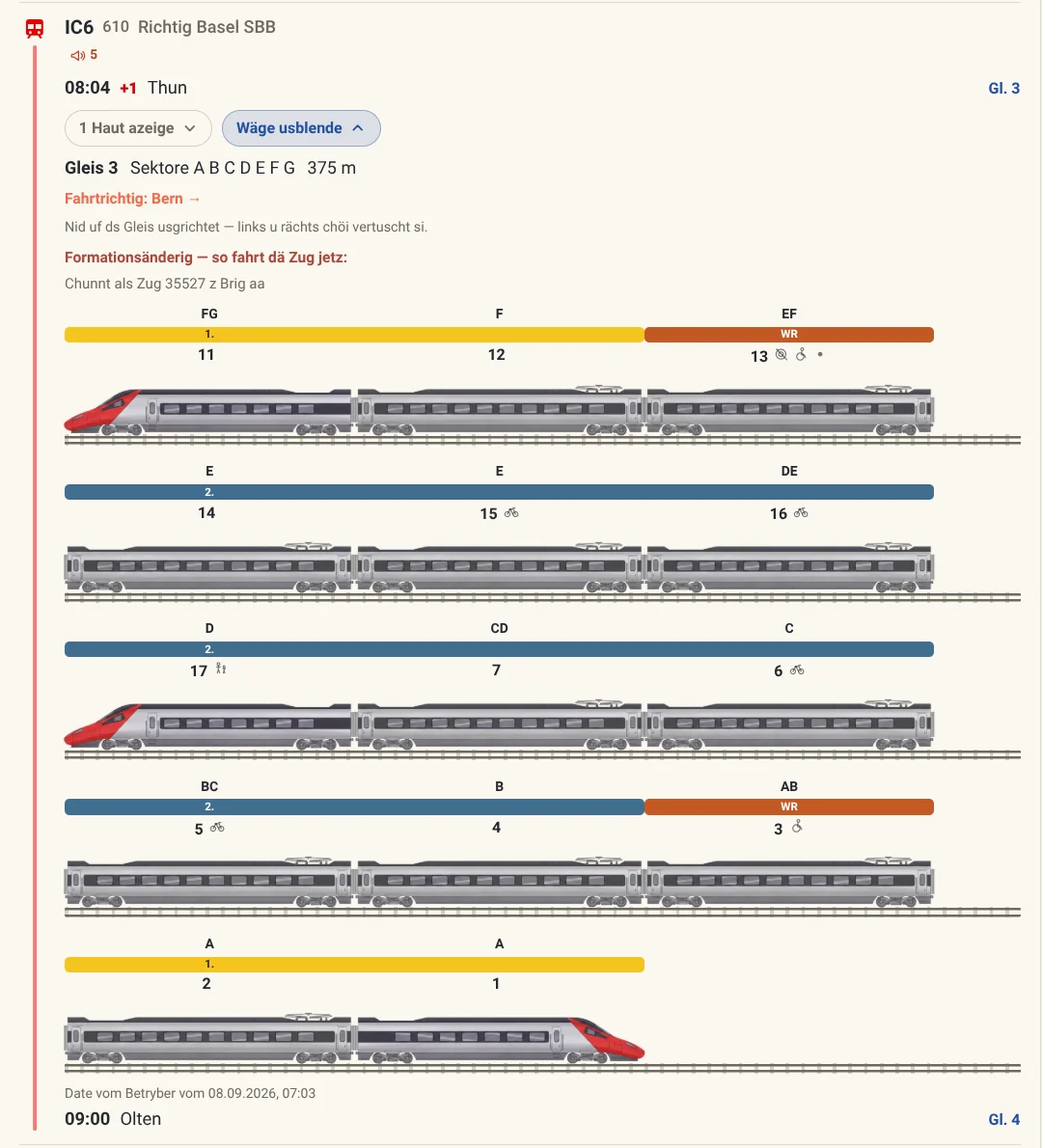
Classes, the dining car, room for a bike, and the sector to wait in — drawn wherever the operator publishes the formation.
Carriage layout and door side for many trains. Wait at the right end of the platform, not along it.
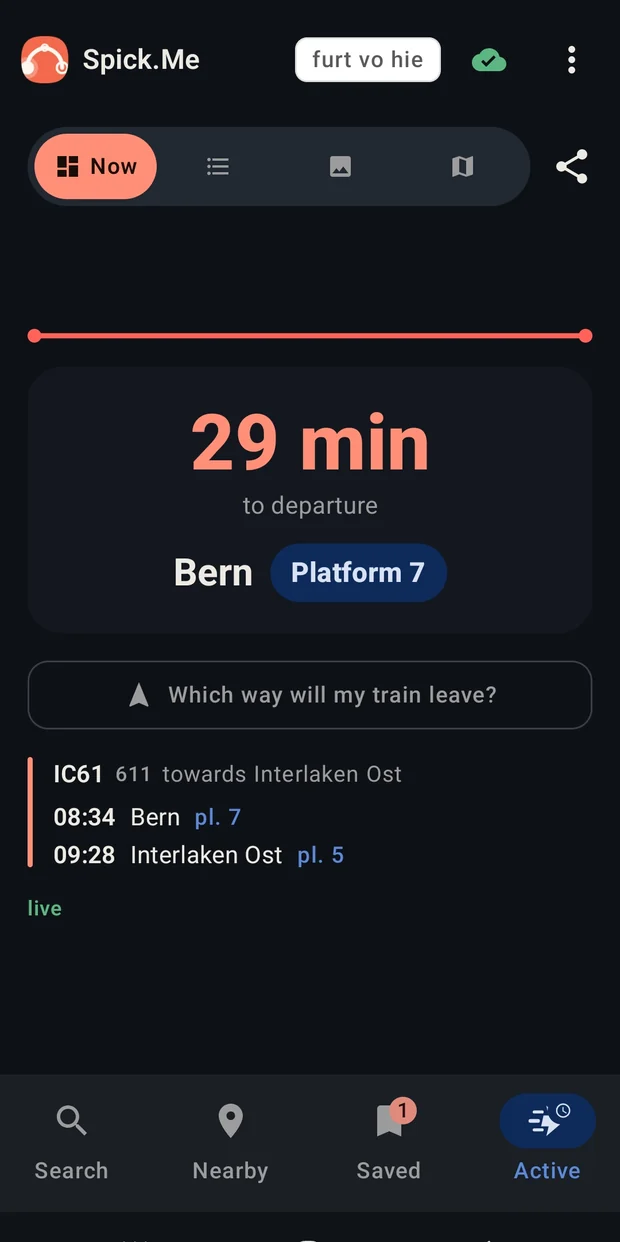
A countdown to the minute you need to head out. No re-reading the timetable.
The next platform, and whether you can actually reach it — while the train is still moving.
Where real-time data exists, times shift with it. Where it does not, you see the plan — and are told so.
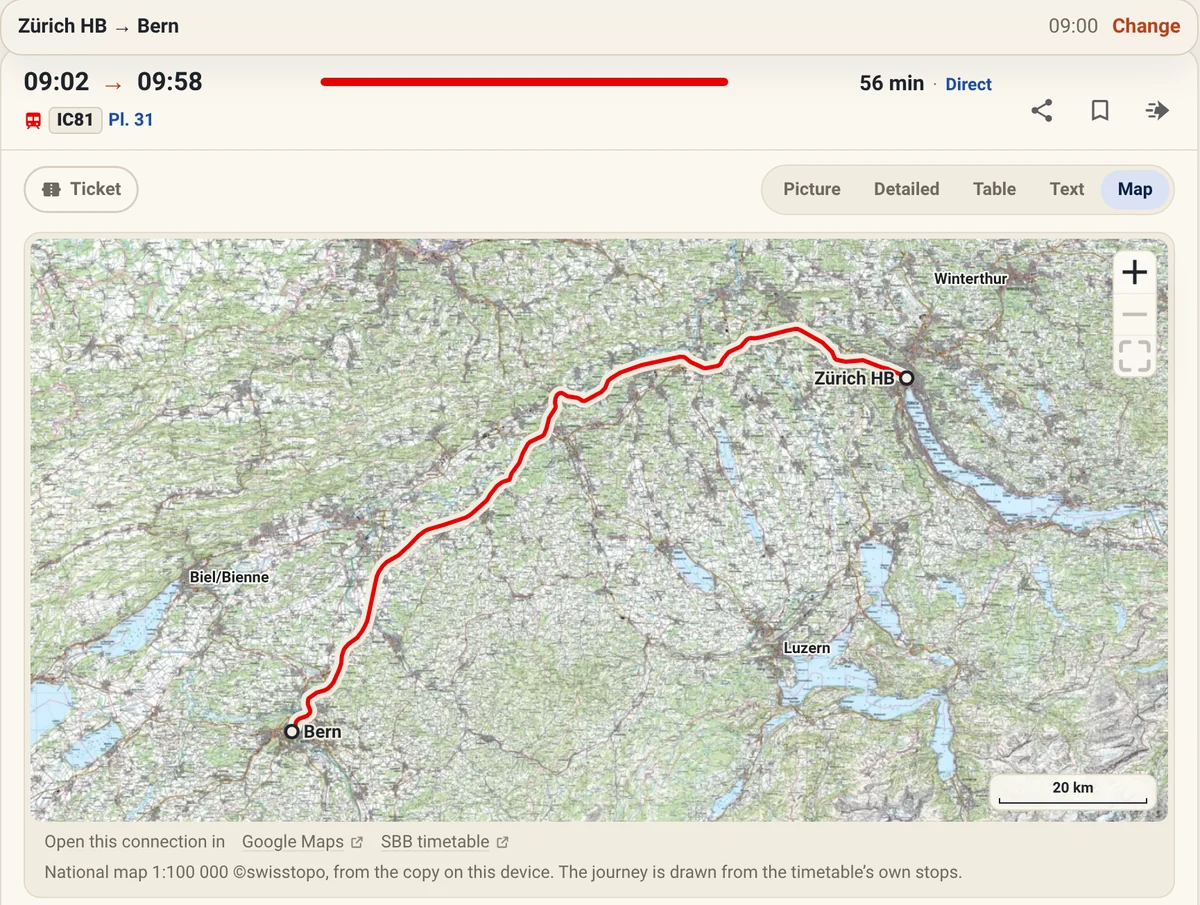
swisstopo’s 1:100 000 map under every journey — optional, and kept on the device.
Search from an address, or to one. The walk at either end is part of the answer.
Several places in one day, with as long as you like at each — and the whole day on one picture.
Every stop’s next departures with their platforms — on the phone’s home screen too.
Everywhere you can reach in an hour, on a map. And where friends from three towns should meet.
One button for when you have had enough of here: it picks a place worth the trip and the next connection there — with a few lines on what you will find.
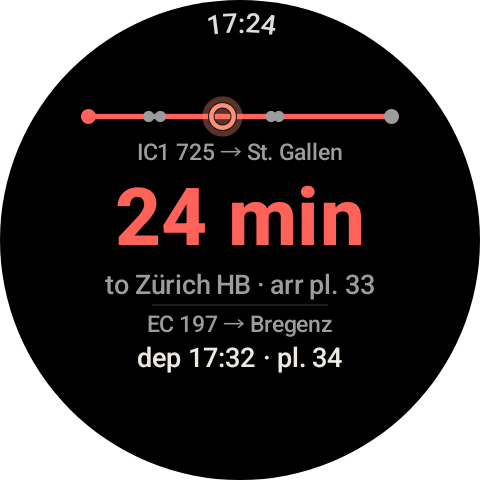
Next stop and countdown on Wear OS, for when the phone stays in the pocket.
Every journey you followed, counted on the device: how far, how punctual, which trains.
German, French, Italian, Romansh, Spanish, English — and seven Swiss German dialects. You may be reading one now.
Eight ways in, one Rust engine — on your device, or on our server for the browser and your AI assistant.
Nothing to install. On your home screen, it keeps the whole timetable on the phone.
Offline too, once on your home screen Open the timetable →The full offline planner: on Google Play in a closed test, or as a file.
Works offline On Google Play it is in closed testing: Google requires 12 testers before a new app may go public. Join with your Play Store address.The next stop and a countdown on the wrist, beside the phone app.
On Google Play it is in closed testing: Google requires 12 testers before a new app may go public. Join with your Play Store address.An archive to unpack and run. Wayland or X11, x86-64.
Works offlineA disk image for Apple Silicon and Intel. Not notarised: right-click, then Open, once.
Works offlineIn the Microsoft Store, signed and kept up to date by Microsoft.
Works offline Microsoft Store Or the installer →Ask Claude, ChatGPT or Gemini about trains, and they ask our planner. One address to connect, nothing to install.
Free at the moment Connect it →Yes, still Pebble — installed through the Pebble phone app.
Runs on real iPhones now, and is on its way to the App Store.
Today: the web app on your home screen, offline too. Coming soonA companion to the iPhone app, written and waiting for a watch to run on.
No device to test on yet — we are still working out how to get hold of one. Coming soonThree promises, all of them checkable.
No account, no profile, no tracking. Searches are answered and not stored.
Read the privacy policy →Timetables, delays and carriage data come from Switzerland’s open transport data — passed on as received.
opentransportdata.swiss →Every feature here exists because somebody asked for it. Every idea is read by a person.
Share an idea →Short answers, in plain words.
A free journey planner for public transport in Switzerland: every train, bus, tram, boat and cable car. The apps carry the whole Swiss timetable on the device, so a search is answered even with no signal.
The Android, Linux, macOS and Windows apps do: the timetable is downloaded once, and every search after that is answered on the device — in a tunnel, abroad or in flight mode. The browser planner asks this site, unless it is on your home screen and keeps the timetable on the phone. Live delays need a connection, of course.
It is free, with no account, no advertising, no cookies and nothing to buy. Searches are answered and not stored; the privacy policy says exactly what is kept.
No. It is an independent, non-commercial project by two people in Zurich, not affiliated with any transport operator. The timetable comes from opentransportdata.swiss and the transport undertakings, and where Spick Me and the operator disagree, the operator is right.
Yes, where the operators publish them: delays, cancellations and changed platforms, shown beside the timetable rather than instead of it. Where a train’s formation is published, it also shows which coach stops in which sector.
The browser, Android phones and Wear OS watches, Linux, macOS, Windows and Pebble — and any AI assistant that speaks MCP. The iPhone app runs on real iPhones and is on its way to the App Store; the Apple Watch app is waiting for a watch to test on. It speaks fourteen languages, seven of them Swiss German dialects.
Yes. Connect your assistant to https://spickme.ch/mcp — the AI assistants page shows how for each one — and it can plan journeys, read departure boards and plan days out. Its answers use the planned timetable, without live delays.